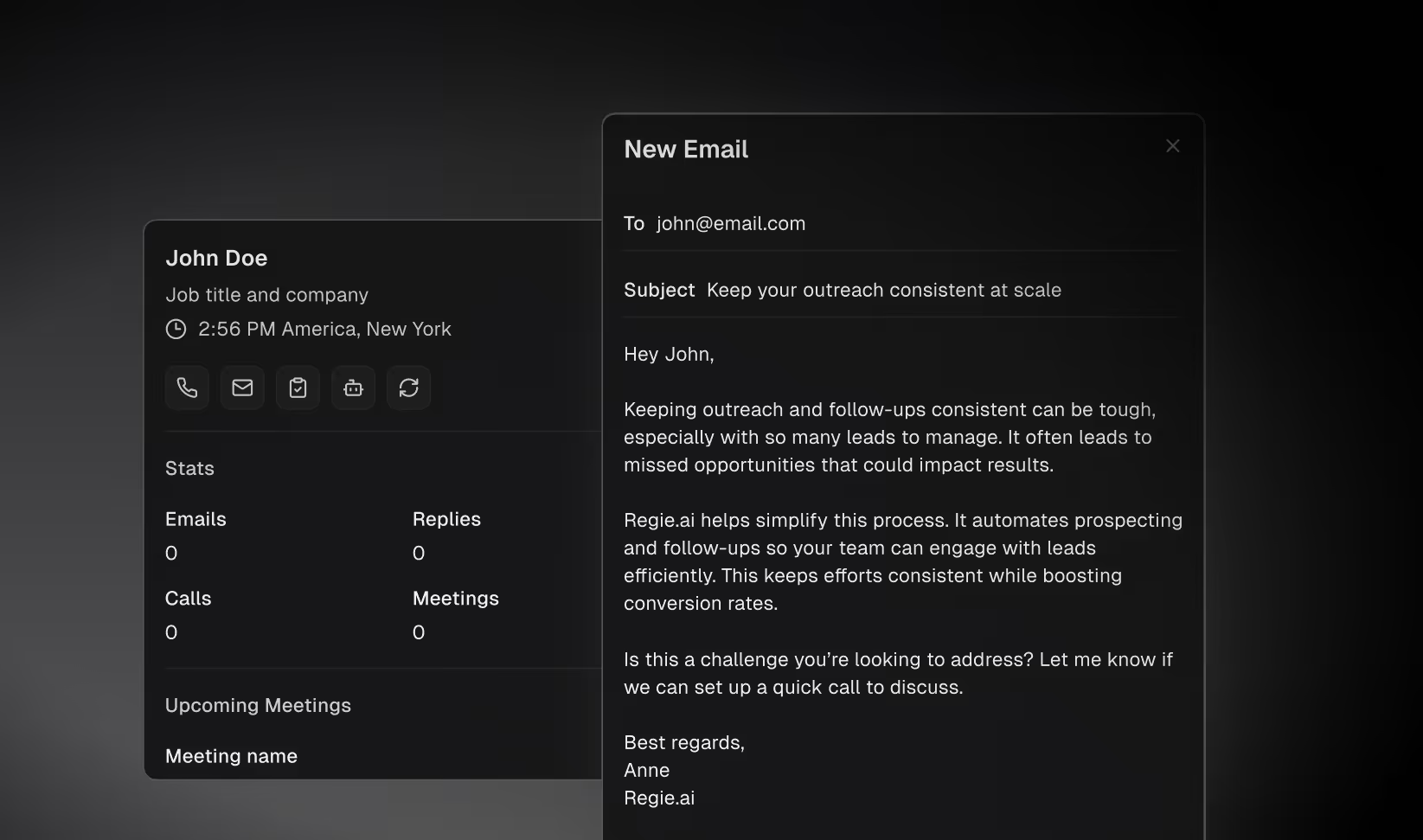
Reps can now create one-off email and social (LinkedIn) tasks directly from the prospect action bar — no sequence required. A dedicated call button opens the dialer drawer with the prospect's phone number pre-filled, so reps can dial in a single click.
The rep homepage has been rebuilt as a table view with configurable columns, persistent column state, and side-drawer task execution for email and social tasks. Reps can keep working through their list without navigating away from it.
Task screen overlapping with the personalizer
Side drawer showing a blank screen after task completion
Created task not appearing in the task list
Homepage filters not working when filtering by task type
Call task icon missing for prospects with a phone number
Managers can now view Settings > Workspace > Members
Activity feed logs which user manually added a prospect to an agent
Edit in SalesGPT moved to an icon-only toolbar entry in the email composer
Reduced redundant API calls on the rep homepage table view